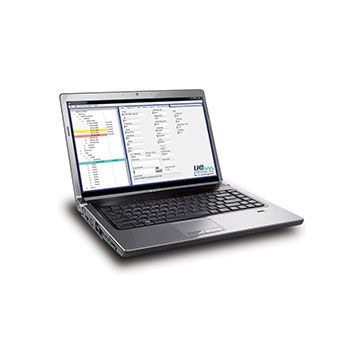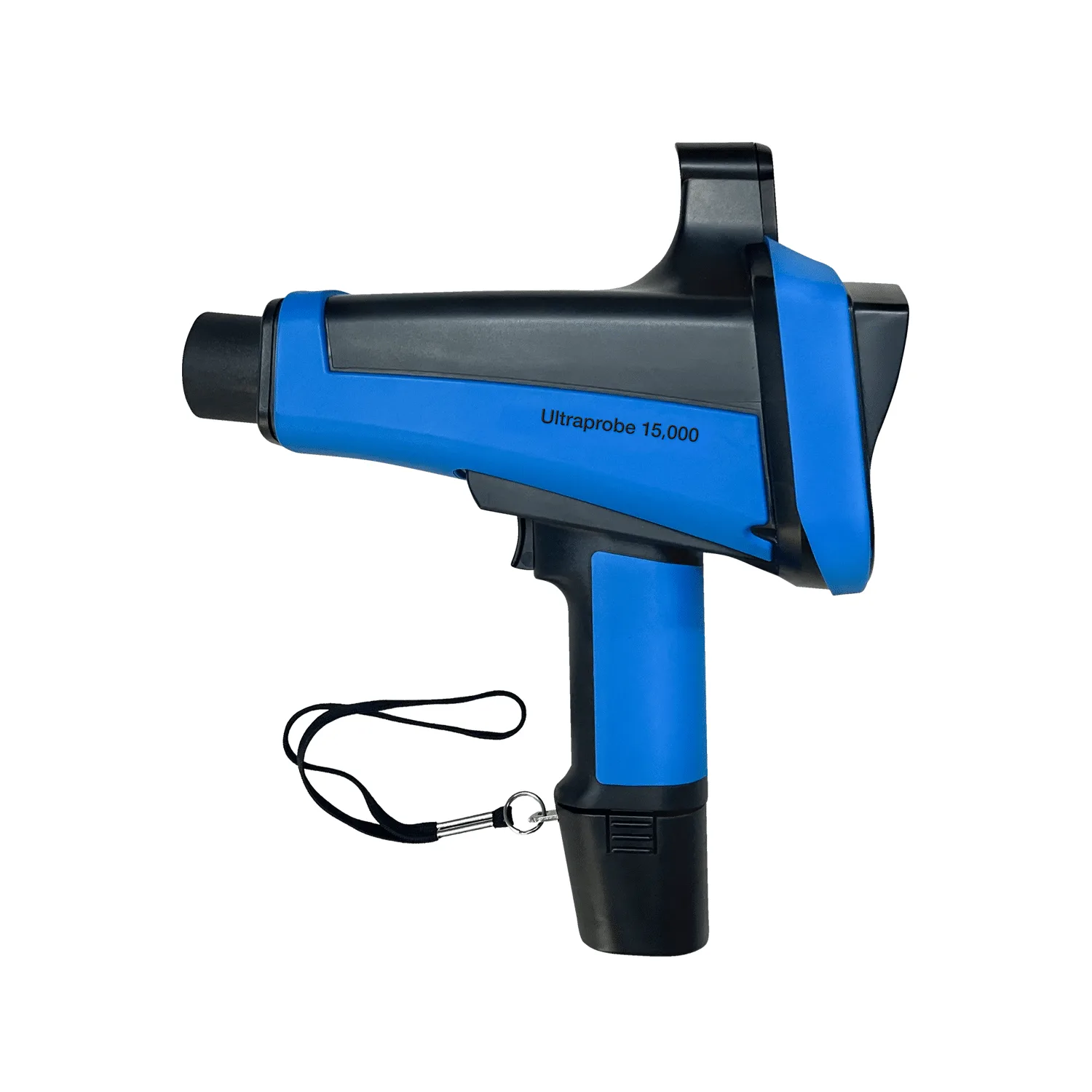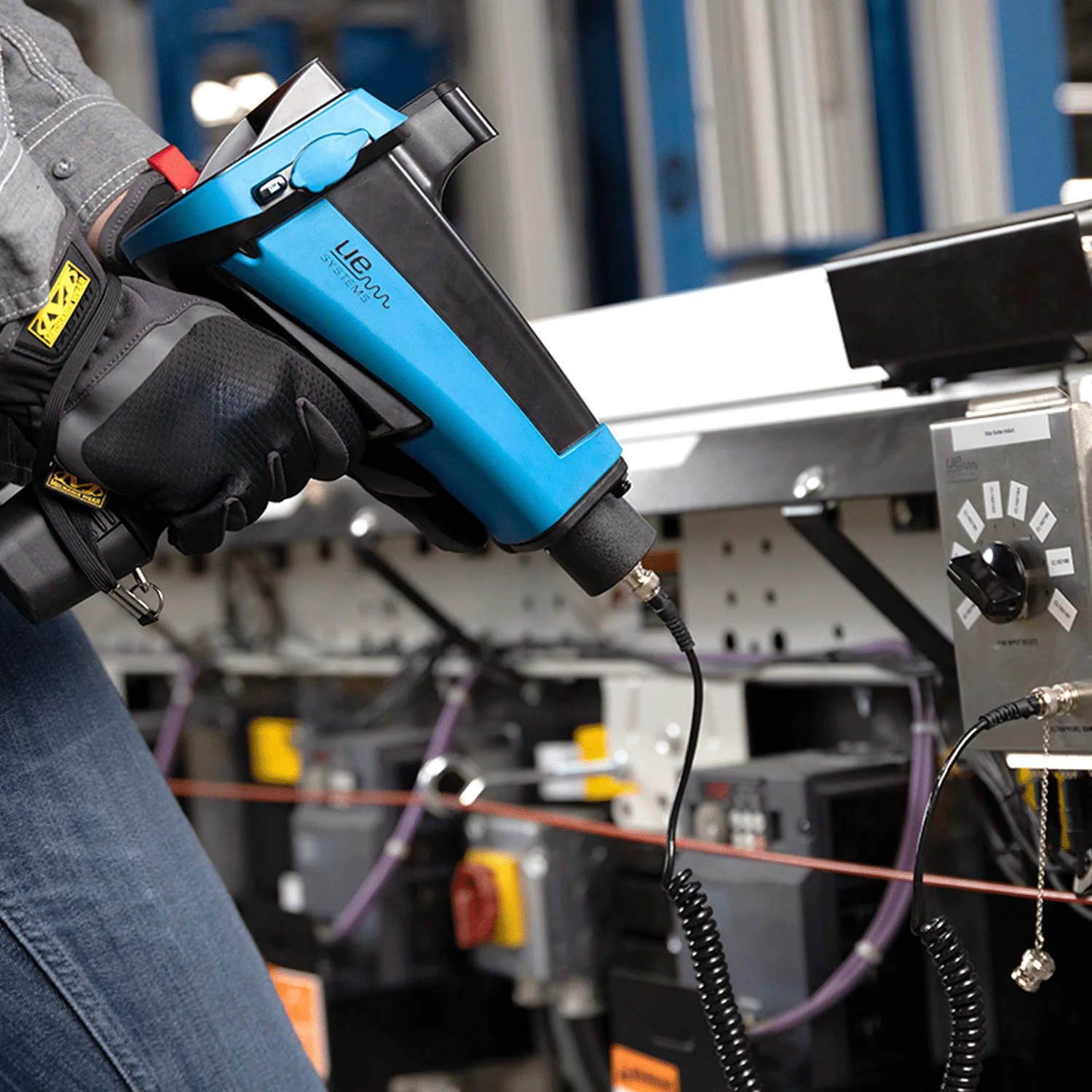
Ultratrend DMS is data organizing software for creating and maintaining databases that apply to all the basic applications performed by the Ultraprobe models 3000, 9000, 10,000 and 15,000.
Users can select Generic inspections, Bearings, Leaks, Valves, Steam and Electrical applications.
Program Overview
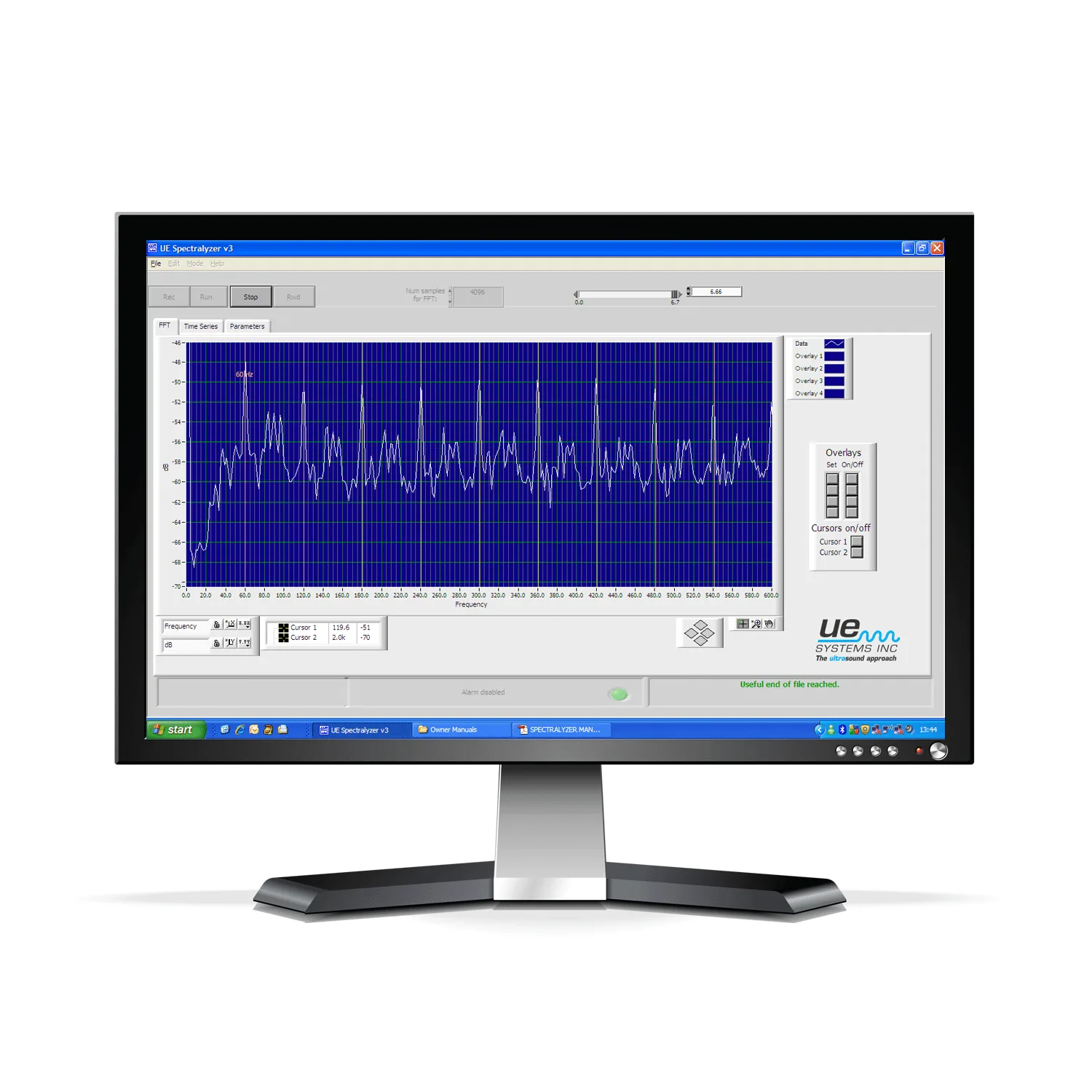
There is software for energy conservation programs such as the Compressed Gas Survey program, software to manage your data, and UE Systems’ proprietary Spectralyzer program for sound analysis. All can be downloaded here for your convenience.
Ultratrend DMS is similar in appearance and operation to Windows Explorer providing users with a “Record Hierarchy” view of the data and the ability to sort, organize and archive records.
Ultratrend DMS Part 1
Procedures for getting set up, establishing an equipment hierarchy, and how to perform a walk-thru as a precursor to setting up your routes.
Ultratrend DMS Part 2
Overview of the basic set-up. Step by step instructions on how to create routes, upload to Ultraprobe, download data from the Ultraprobe back into the software. Mastering the basics is the backbone of setting up and sustaining an effective ultrasound program.
Ultratrend DMS Part 3
The main focus will be on reviewing the various “Tab” keys in Ultratrend DMS. This will include reviewing how to add images, setting up alarms, detailing your history, and creating charts & reports.
Ultratrend DMS Part 4
How to set up a report for each of the applications found in Ultratrend DMS.
UE Systems Spectralyser manual
Uploading and Downloading DMS 5.0
Creating a Report in Excel from Ultratrend DMS
Creating Reports for Compressed Gas Leaks
Spectralyzer Overview Part I & II
Spectralyzer Overview Part I & II